AI Phone Agents for Law Firms: How They Answer, Qualify, and Book Clients Without You
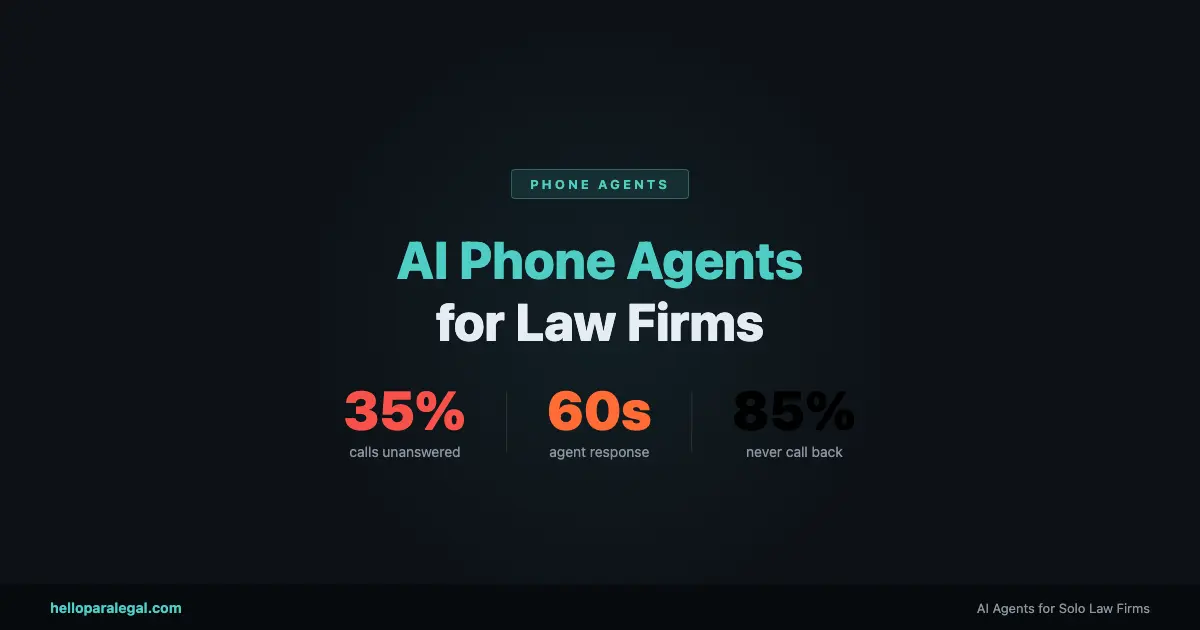
35% of calls to solo law firms go unanswered.
That’s not a problem with phone companies or bad reception. It’s a structural problem. Solo lawyers are in depositions, in court, in consultations, or at lunch. There’s no one staffed to the phone. The call rings out. And 85% of callers who don’t reach someone live don’t leave a voicemail and never call back.
The legal industry loses an estimated $109 billion in potential revenue annually to missed calls. For a solo PI lawyer billing at $350/hour, a single missed contingency case could represent $15,000 to $80,000 in fees. The math isn’t subtle.
The standard solution has been answering services: Smith.ai, Ruby Receptionists, and similar human-staffed operations that take messages and patch through urgent calls. Those services are better than voicemail. But they’re not what we’re talking about here.
We’re talking about AI phone agents. Fully autonomous systems that answer your calls, conduct real qualification conversations, run conflict checks against your CRM in real time, book consultations into your calendar, and send confirmation emails and texts. No message-taking. No “we’ll have someone call you back.” The intake happens on the call.
Here’s how they actually work.
What “Answering the Phone” Actually Means for an AI Agent
When people hear “AI answers your calls,” they picture a robotic IVR menu. “Press 1 for billing. Press 2 for case status.” That’s not this.
An AI phone agent conducts a natural spoken conversation. The caller speaks, the agent listens and processes what they said using an LLM, formulates a response, and speaks back using voice synthesis that sounds like a person. Modern voice AI has gotten to the point where the latency between spoken input and spoken response is under 800 milliseconds. That’s within the normal range of human conversational pauses.
The agent isn’t reading a script. It’s generating responses in real time based on what the caller says. If the caller goes off-topic, the agent handles it. If they ask a question the agent wasn’t explicitly programmed for, it either answers from its knowledge base or gracefully redirects. If the caller gets emotional or upset, the agent detects that and shifts tone or escalates appropriately.
That’s the difference between voice AI in 2022 and voice AI in 2026. The underlying models are dramatically more capable. A conversation with a well-built AI phone agent doesn’t feel like a chatbot. It feels like talking to someone who knows what they’re doing.
What the Agent Actually Does on a Call
Let’s walk through a real call scenario. A potential client calls your PI firm at 7:18pm on a Wednesday. You’re at your kid’s soccer game. Here’s what happens.
The call connects. The agent answers with your firm’s name and a natural greeting. “Thanks for calling [Firm Name]. I’m the virtual intake assistant here. What brings you in today?”
The caller explains. “Yeah, I was in a car accident last week. Some guy ran a red light and hit my car. I’ve been having back pain since then and my car’s totaled.”
The agent qualifies. It asks about the date and location of the accident, whether the caller received medical treatment, whether they have the other driver’s insurance information, and whether there were any witnesses. These aren’t rigid checkbox questions. The agent listens to what the caller offers voluntarily and only asks for what’s missing.
The conflict check runs. While the conversation is happening, the agent has already pinged your CRM with the caller’s name and the defendant’s name. Within two seconds it has a result: no conflict. This happens in the background without interrupting the conversation.
The agent qualifies the case. Based on the criteria you defined during setup (injury type, liability clarity, insurance status, statute window), the agent determines this is a case that meets your intake criteria. It proceeds to booking.
A consultation gets booked. The agent checks your calendar availability in real time and offers two or three options. The caller picks one. The appointment is created in Google Calendar, linked to a new matter record in Clio, and the caller gets a confirmation text and email within 60 seconds of hanging up.
You get a summary. When you check your phone after the soccer game, you have a text alert: new PI lead booked for Thursday at 10am, case summary attached, no conflict, medical treatment confirmed. You didn’t do a single thing.
That’s a complete intake cycle. From first ring to booked consultation, handled autonomously, at 7:18pm on a weeknight.
The Components That Make This Work
There are four technical components running simultaneously during that call. Understanding them matters if you want to evaluate any phone agent product honestly.
Real-Time Speech Processing
The caller’s voice is converted to text in real time using speech-to-text. Modern systems handle accents, interruptions, background noise, and crosstalk well. This text goes to the LLM for processing. The LLM’s response is converted back to speech using text-to-speech synthesis. The whole cycle happens fast enough that it doesn’t feel like a delay to the caller.
LLM Reasoning
The language model is the decision-maker. It reads the conversation history in context, decides what information is still needed, formulates the next question or response, and determines when to trigger an action (conflict check, calendar lookup, booking). The model follows your defined intake criteria but exercises judgment in how it gets there. If the caller volunteers information before the agent asks for it, the agent doesn’t ask again.
Live System Integration
During the call, the agent is making real API calls to your actual systems. The conflict check is a live query to your CRM. The calendar availability check is a live query to Google Calendar or your scheduling tool. The booking action creates a real appointment and a real matter record. This is not a demo environment. The data lands in your actual systems immediately.
Escalation Logic
Every agent has defined escalation paths. If the caller says something that triggers an urgent flag (active emergency, claim against a current client, complex multi-party situation), the agent can warm-transfer the call to you, to another number, or to voicemail with a priority flag. If the case type is outside your defined practice areas, the agent politely explains that and can offer a referral number. Nothing falls through a gap.
How AI Phone Agents Compare to the Alternatives
| Capability | Voicemail | Human Answering Service | AI Phone Agent |
|---|---|---|---|
| Available 24/7/365 | Yes | Usually (higher cost after hours) | Yes |
| Qualifies the caller | No | Basic (script-based) | Yes (adaptive, conversational) |
| Runs conflict check | No | No | Yes (live CRM query) |
| Books consultation on the call | No | Sometimes (limited calendar access) | Yes (real-time calendar integration) |
| Creates matter record automatically | No | No | Yes |
| Sends follow-up after the call | No | No | Yes (email + SMS automatically) |
| Handles multiple concurrent calls | Yes | Limited by staff | Yes (unlimited) |
| Monthly cost (estimate) | Free / included | $300 to $1,200/mo | Custom (typically lower) |
| Consistent quality | N/A | Variable (staff dependent) | Yes (same performance every call) |